

If you find yourself unable to log into the WordPress dashboard because you have forgotten, or do not know, your password there are a few ways that can be obtained.
Reset through WordPress
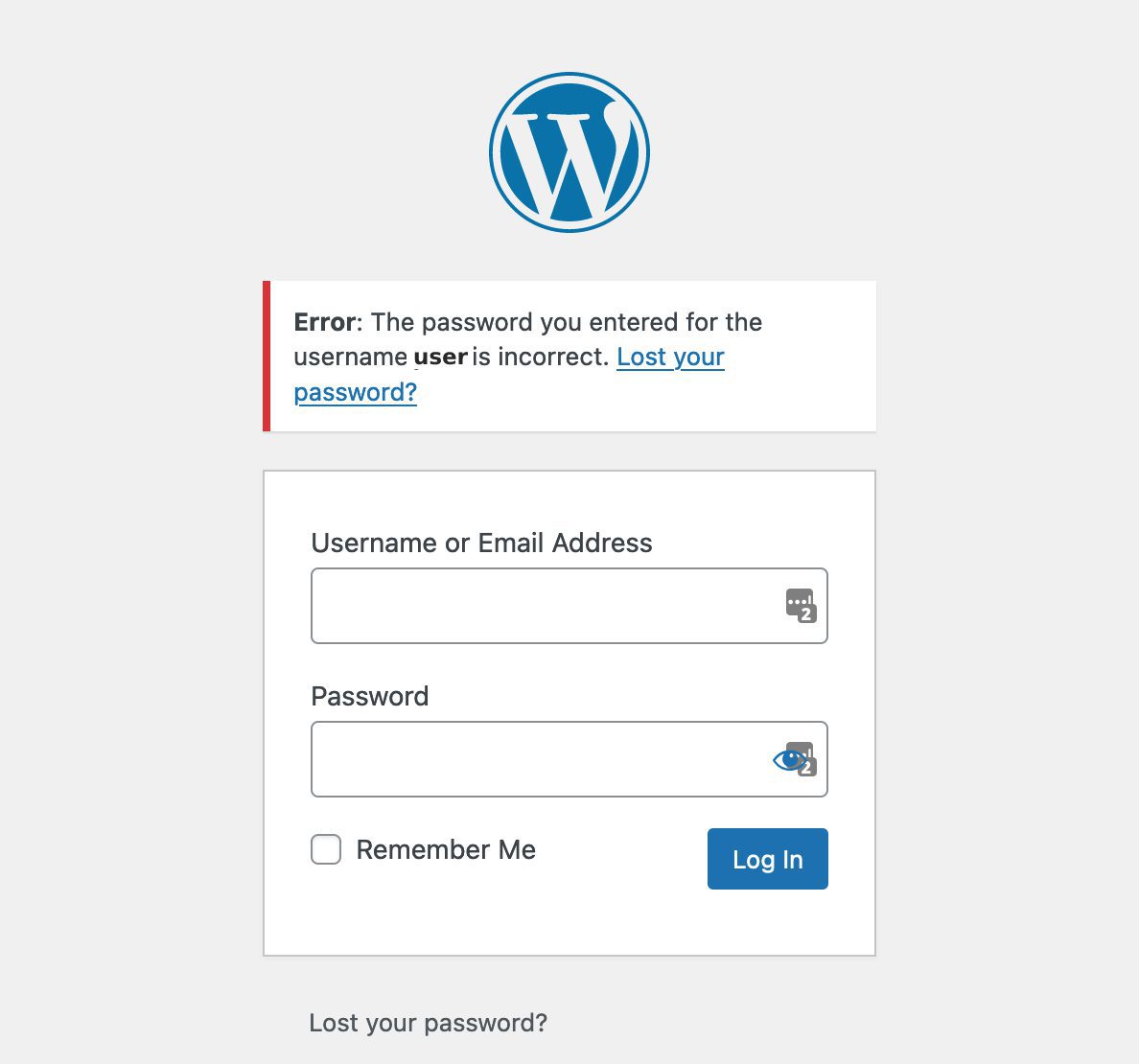
By default, all sites have a form that allows password resets. That is typically found at the URL:{YOUR-DOMAIN}.com/wp-login.php?action=lostpassword
Or by clicking on the Lost your password? link at the bottom of the login form:

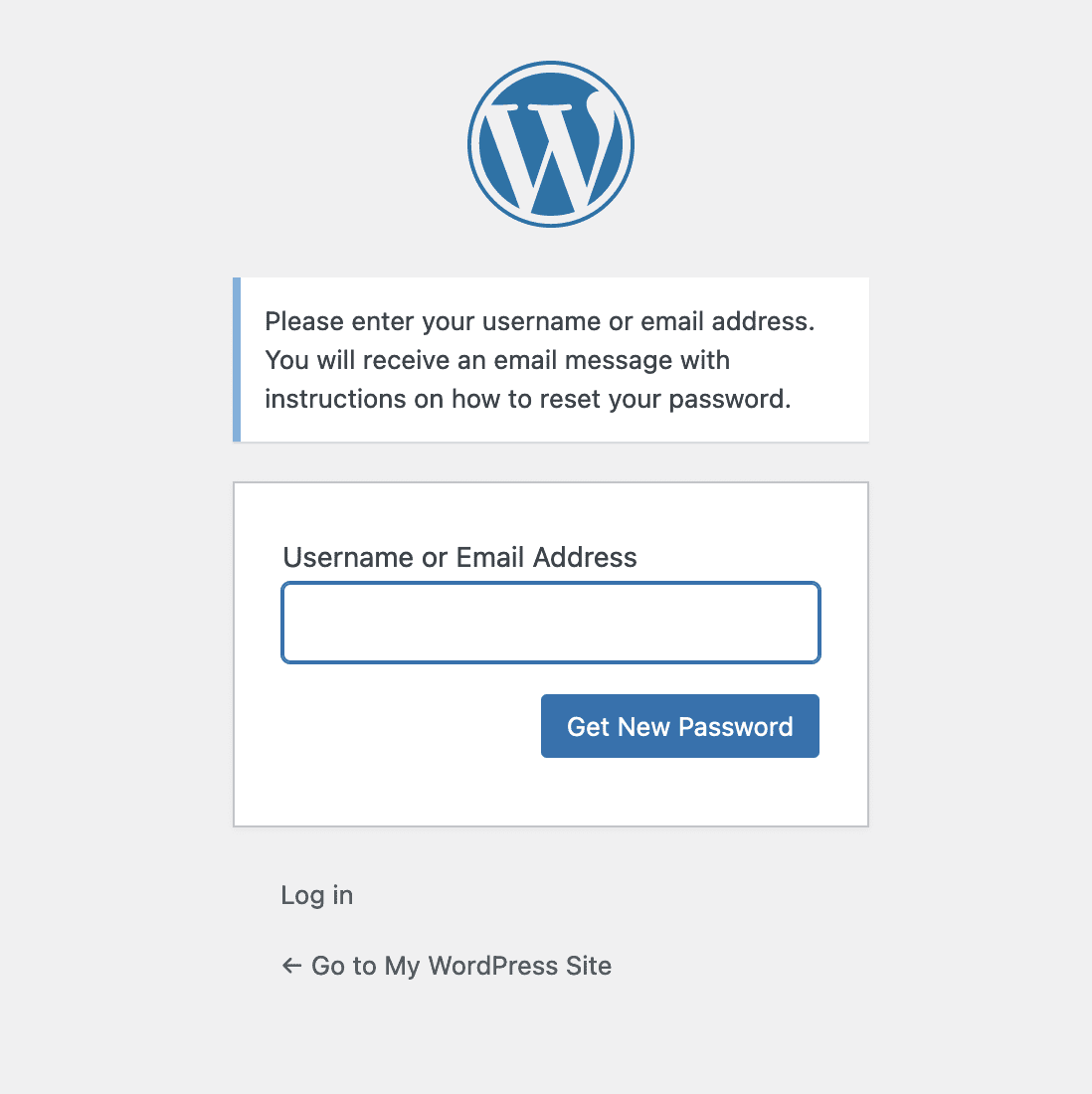
Enter your username or email address into the following form and a password reset email will be sent to you with instructions.
Reset through the MyPressable Control Panel
To reset your WordPress login through the MyPressable Control Panel, navigate to the site details page and locate the WordPress Admin block.

You can enter a custom password, or press the Generate button to create a new, secure password. Click on the eye icon to view the password in plain text.


Press the Update Password button to save the new password to the database.
Please Note: This will only reset/create a new password for your user. You cannot use this to view your current wp-admin password.
Update Password via API
The Pressable API enables the direct updating of a WordPress user’s password on their site, with more info here: https://my.pressable.com/documentation/api/v1#update-wordpress-user-password
If no password is provided, a random one will be generated and set, with this new password being returned in the API response. The user parameter for this endpoint accepts the user’s login, email, or ID for identifying the user whose password is to be updated.
Password Conditions
Weak or compromised passwords are one of the biggest sources of compromised accounts and sites. To help combat that, Pressable does the following related to passwords for the MyPressable Control Panel:
- Check for potentially compromised passwords before setting an account’s password.
- Prevent customers from reusing old passwords.
We also highly recommend setting up 2FA for your MyPressable Control Panel accounts.
Customer Success Help
If you need the assistance of the Customer Success team in resetting your password, feel free to start a chat with us or send us an email at help@pressable.com.